Editing experiments
To edit detail on experiment form, click on the Edit button while you are in Experiment Details page. On Single Edit pop-up, there are four pages/sections which you can edit:
-
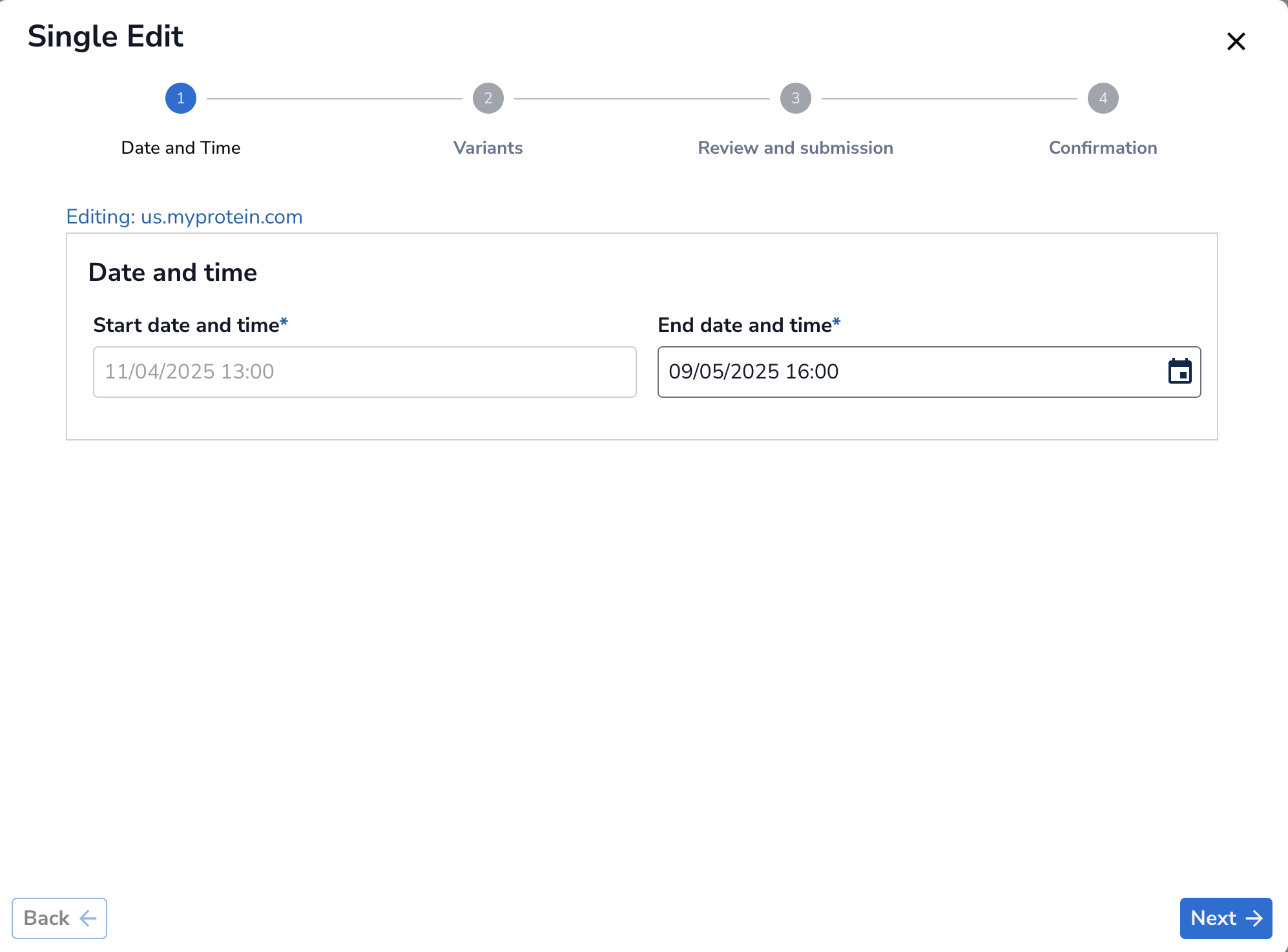
Dates and Time: Use this section to change end date and time. Note that you cannot change the start date and time once you have created the test. Press Next to go to next page.
-
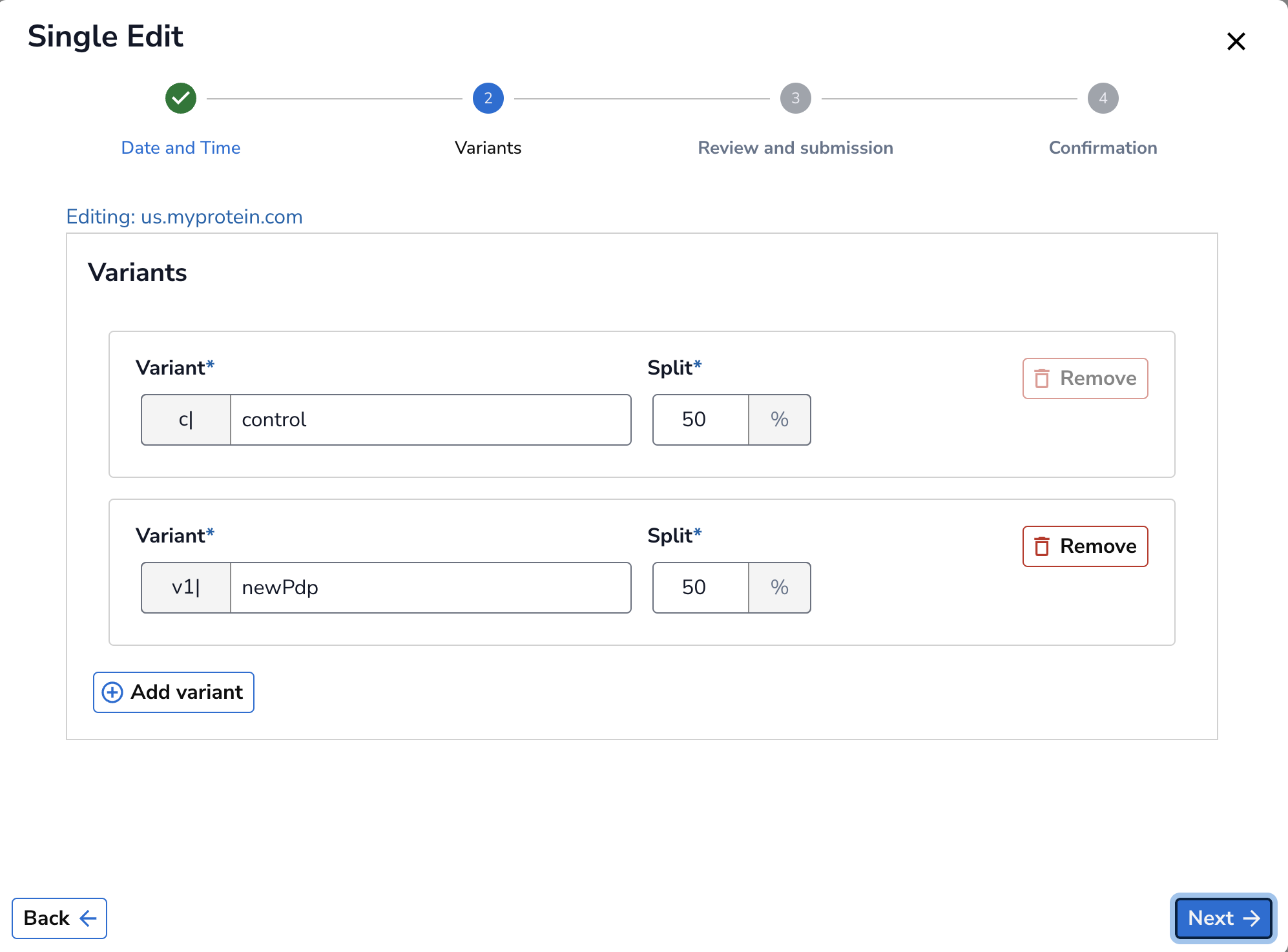
Variants: Use this section to change variants name, split, and to add/remove variant. Control section is mandatory as it is the current version of the site.
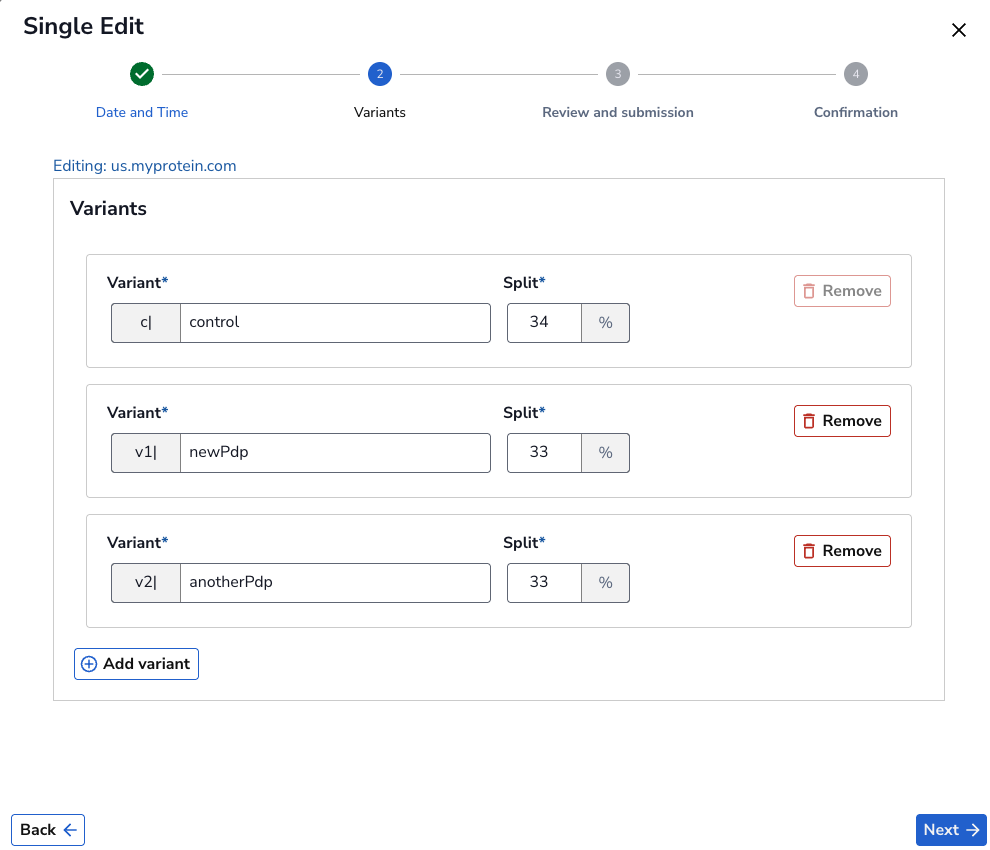
Note how traffic split changes when you Add Variant. Please ensure the traffic split adds up to 100%. Once you added a variant, please contact Experimentation team to update the monitoring. When you are confident with your changes, press on Next to go to next page.
-
Review and submission: Use this section to review the changes before submitting.
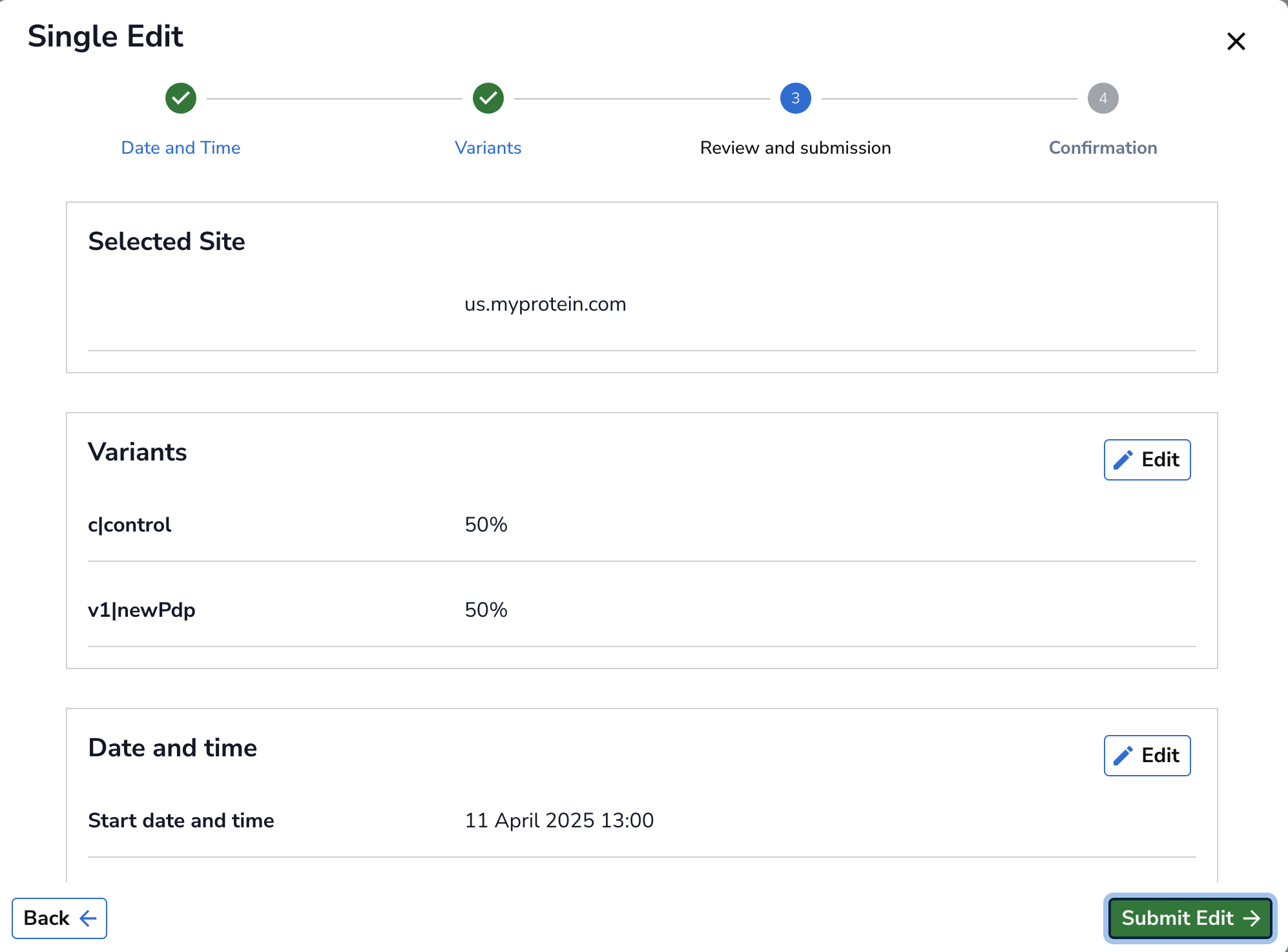
-
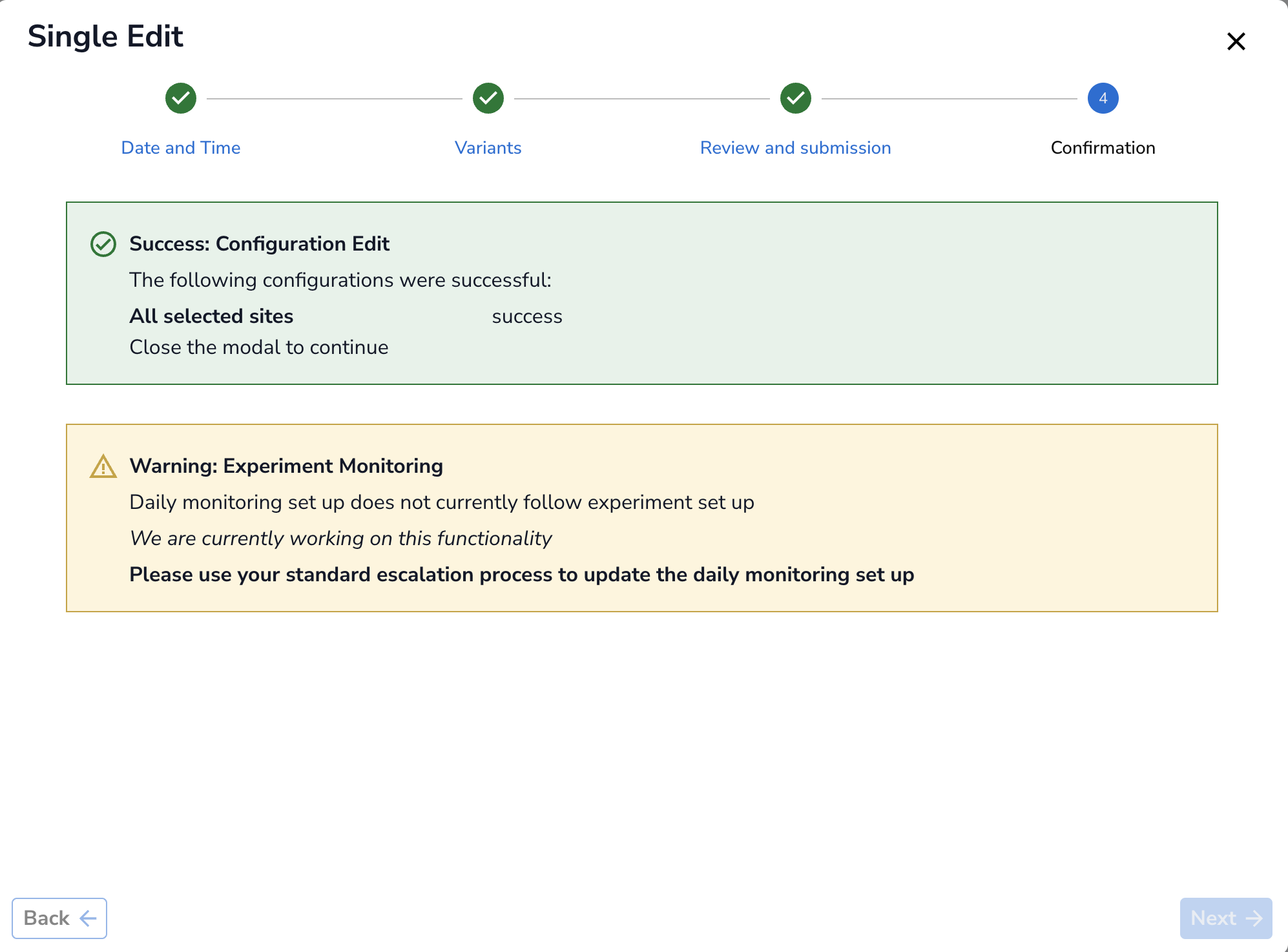
Confirmation: Once you hit Submit Edit, you will be directed to Confirmation page where you get a message showing edit was successful. Remember, if you changed the end date/time, daily monitoring will not follow automatically. Please use your standard escalation process to request update on monitoring.