Adding sites to experiments
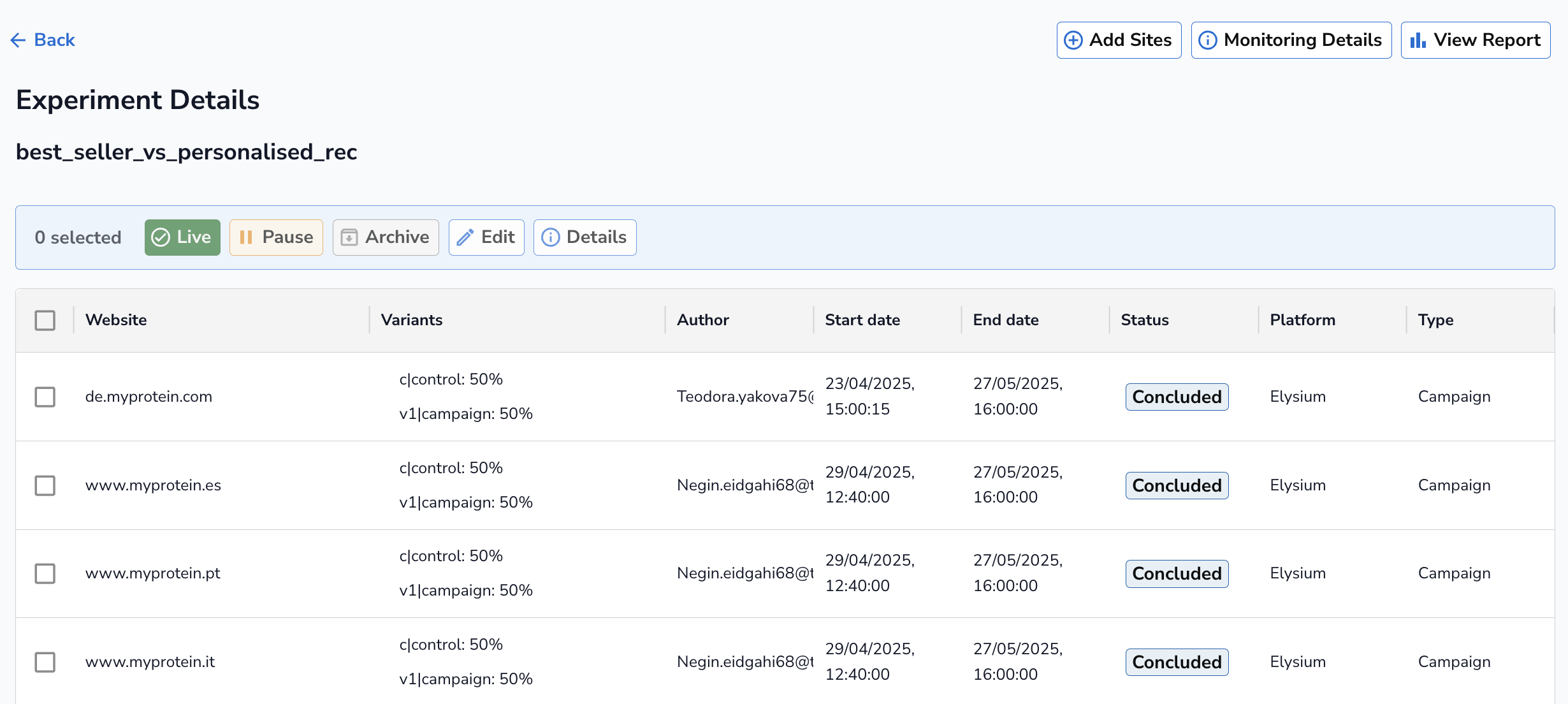
To add a website to an existing experiment, navigate to the experiment details page for the chosen experiment and click on the Add Sites button.
In the Add Sites pop-up page, you will see four sections:
-
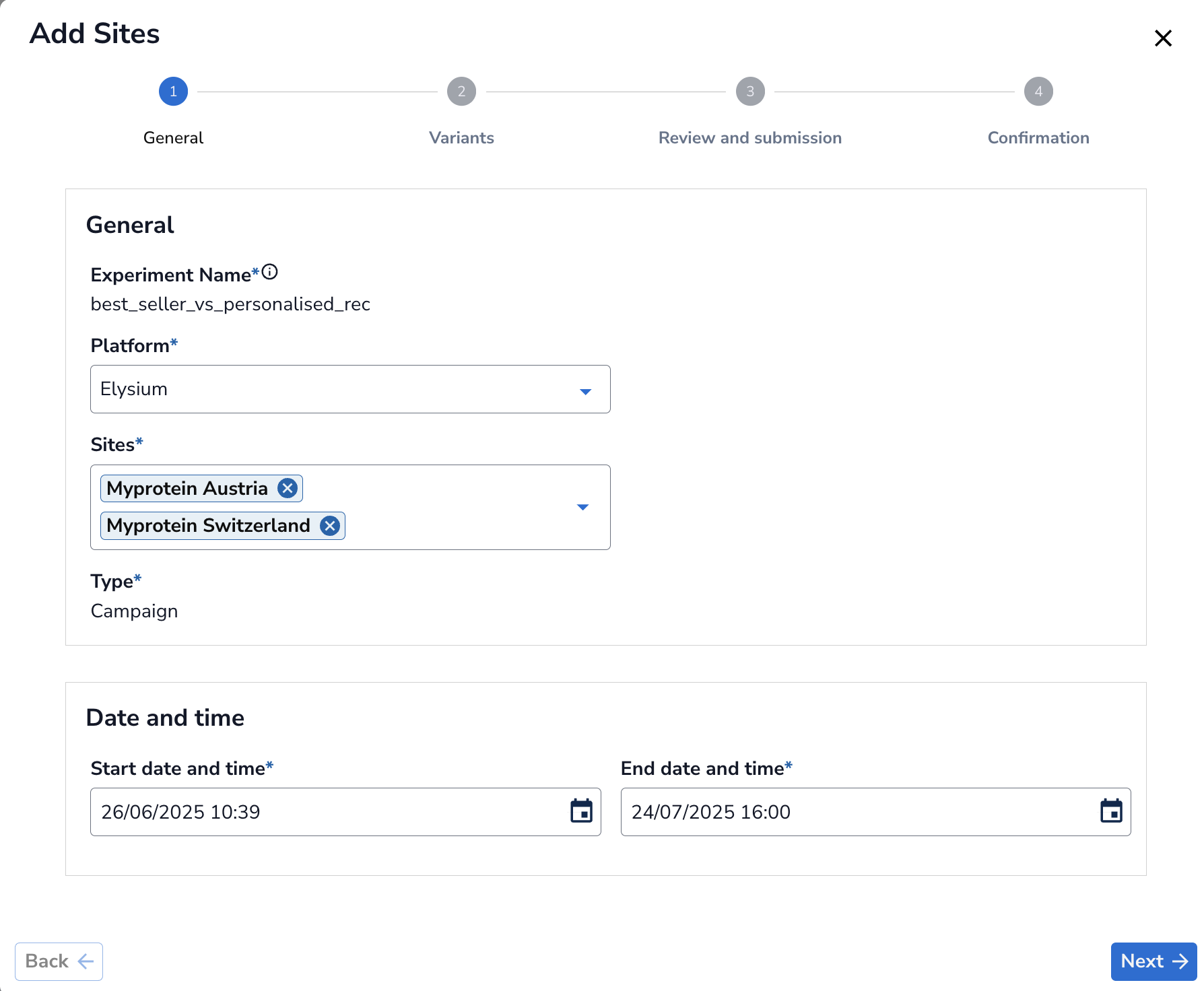
General: Use this section to add one or more sites and update the date and time.
-
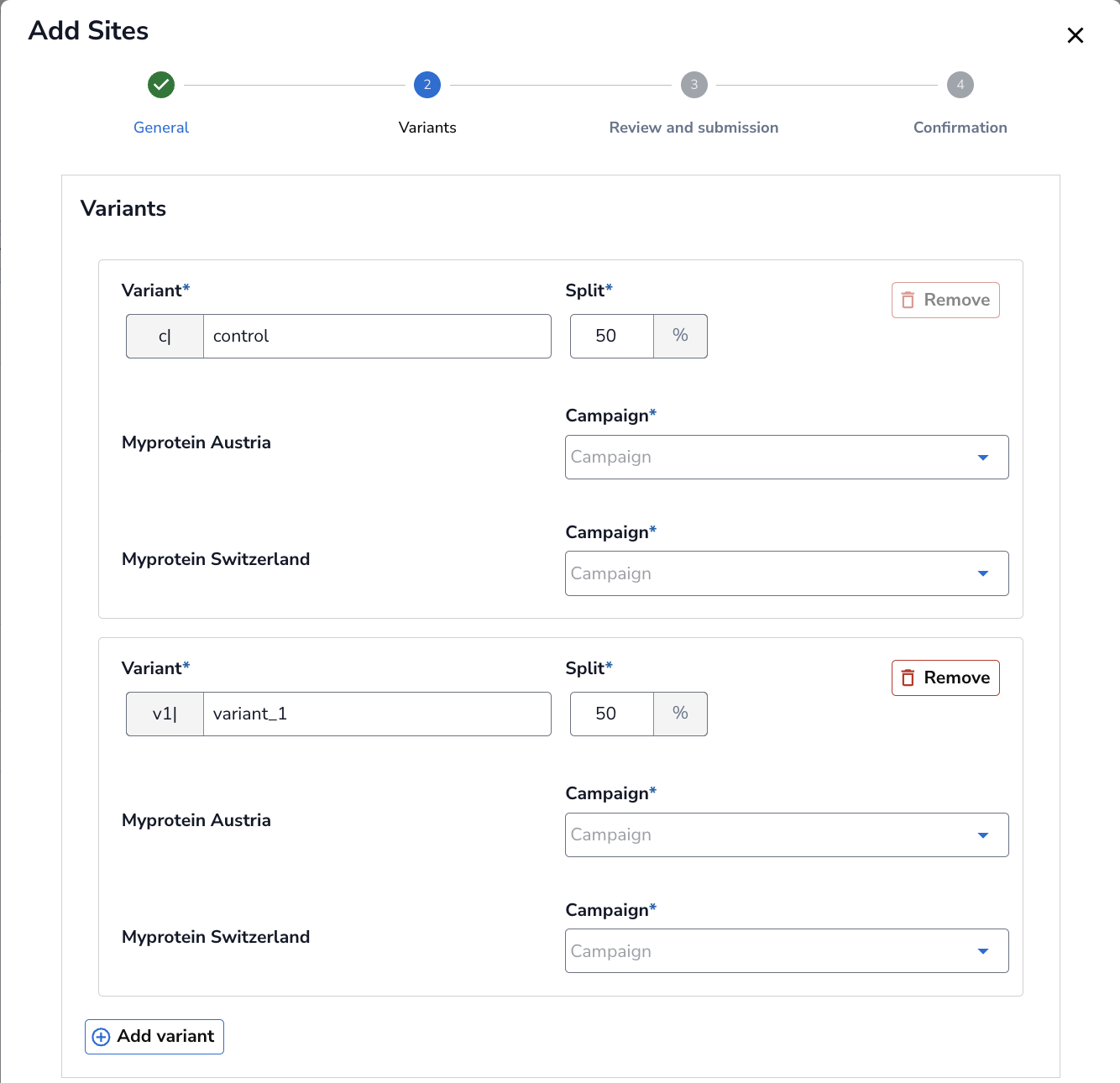
Variants: Use this section to add or remove variants, adjust the traffic split, and add a campaign if required. Please follow the naming convention when naming the variants i.e use underscore instead of a space.
-
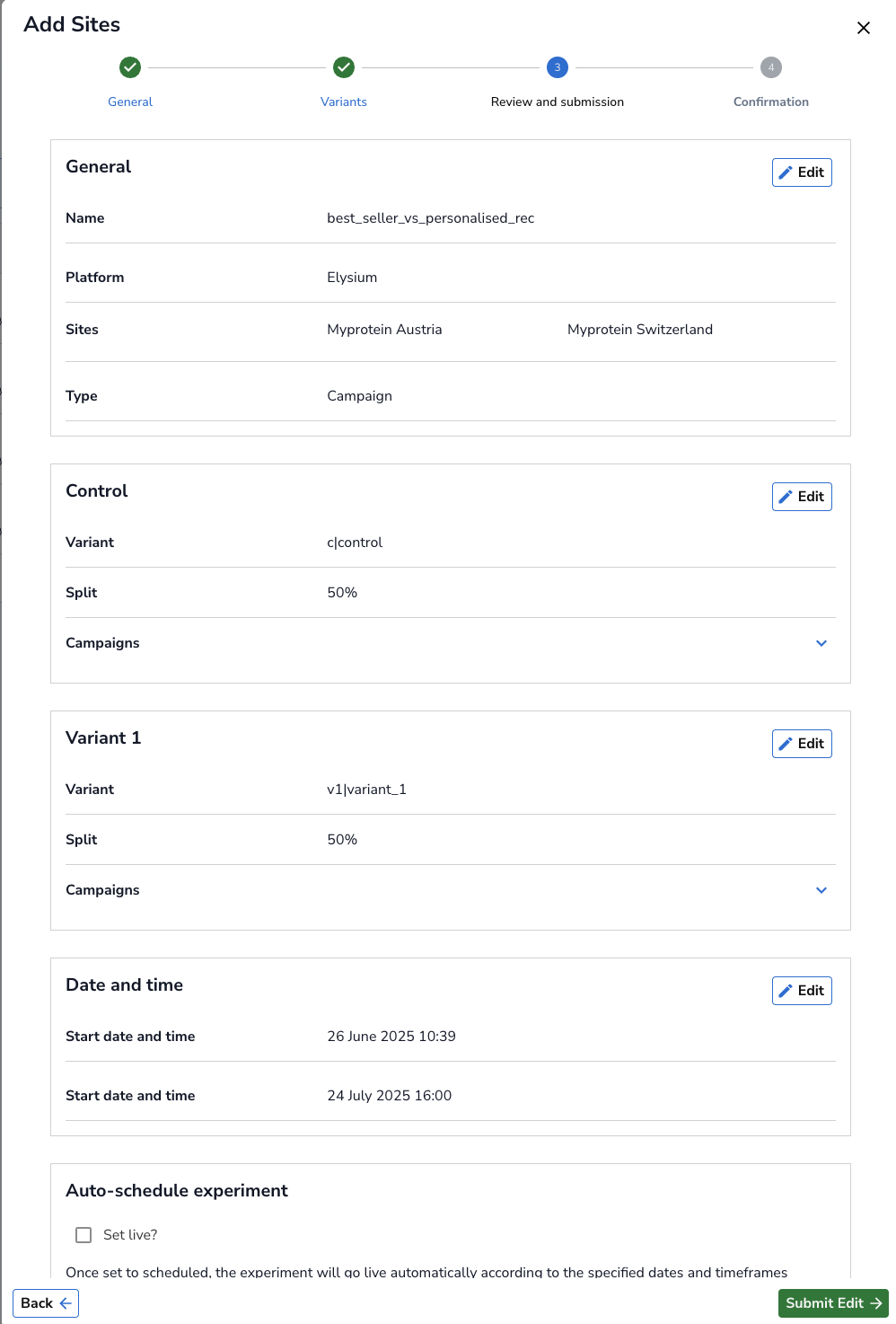
Review and Submission: Review all fields and make any necessary edits if you missed anything. When you are confident in your changes, click the Set Live button, then click Submit Edit.
-
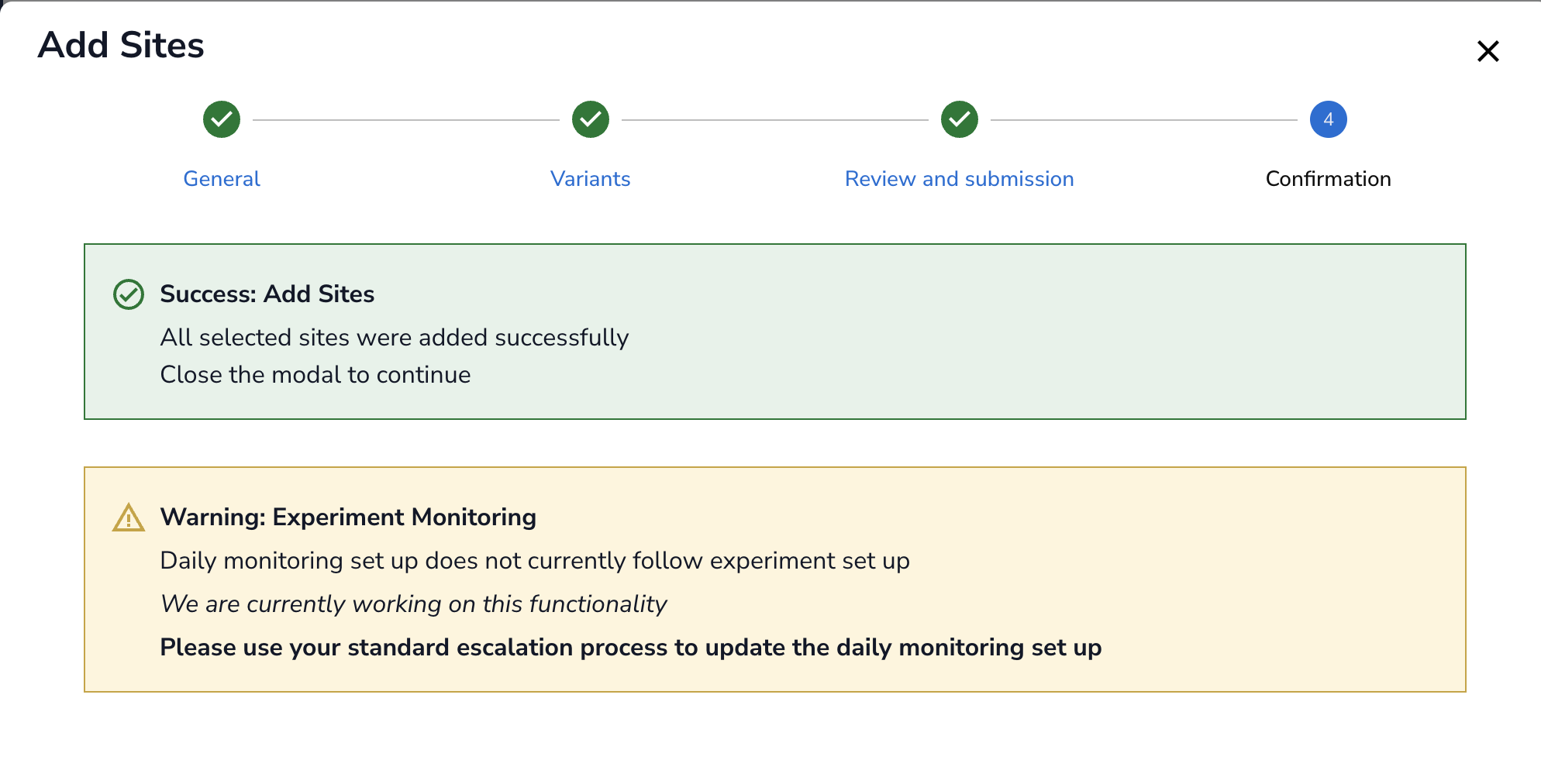
Confirmation: You will be redicrected to Confirmation page where you get a message that your change has been successfully implemented. Please note, daily monitoring does not automatically follow when you add sites. Please contact Experimentation team to update the monitoring.